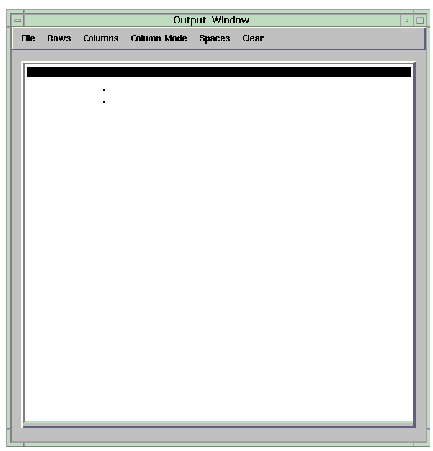
OutputWindowUI provides the Output window window, which displays query output.
OutputWindowUI provides a window called Output Window, which displays query output. Unlike other UIwindows in the Database Kit, the Output window has its own menubar, containing menus and commands that save the output or specify how it is displayed. The six menus that are available--File, Rows, Columns, Column Mode, Spaces, and Clear--provide file I/O services for the output, modify its appearance in the window, or clear the window.
Note: This macro is intended as a template and, as a result, does not have input or output ports. The user is responsible for making the connections between this macro and the source of the data. To do this, the user must create the required input and output ports. See the Network Editor documentation in the AVS/Express User's Guide for details.
This UIwindow is used only by the Query macro.